
End YouTube time without the argument
Set your kid’s daily YouTube time once. When it runs out, the app ends it, not you.
Thanks! Now check your email.
We sent a link to from ChannelKeep. Not there in a minute? Check your spam folder.
- Open our email and tap the link to confirm your address.
-
Get ChannelKeep from the App Store.
Get the app on the App Store
On a computer? Scan this with your iPhone’s camera to get the app. - Open it and sign in with the same email and password. Your free month starts in the app.
Your evening
Before and after
Without ChannelKeep“Five more minutes.” “Just one more.” You take the iPad away, and you’re the bad guy again.
With ChannelKeepThe screen says Time’s up for today! The videos stop on their own, and there’s nothing to argue with.
Time’s up for today!Back tomorrowAsk a parent
How it works
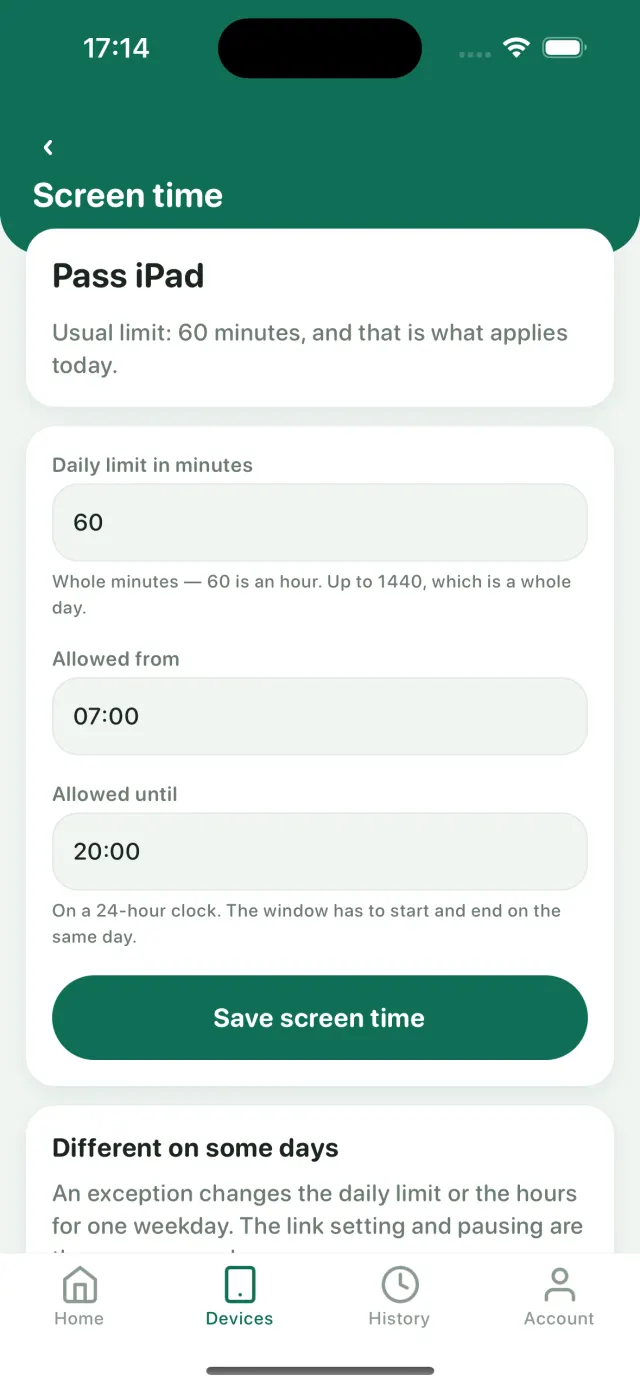
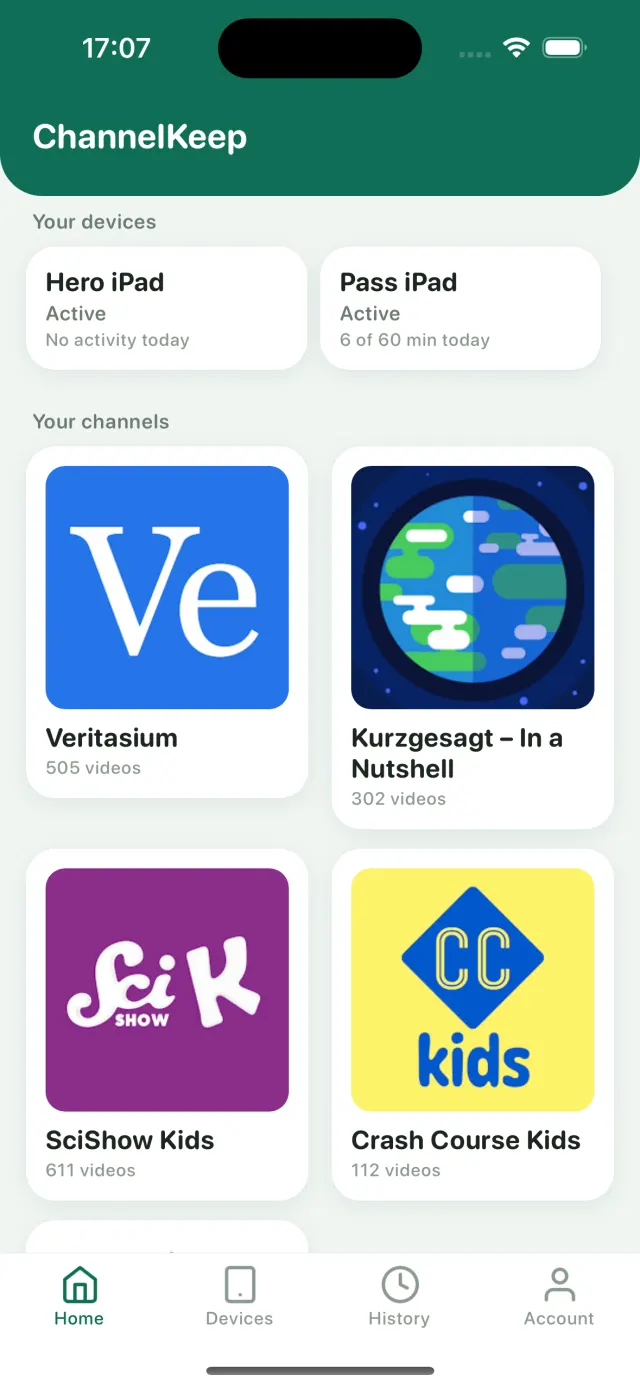
3. Hand over the iPad. When the time runs out, the app ends it.
Questions
Do I pay anything today?
No. Your first month is free, started in the app through Apple. Cancel in your iPhone’s Settings at least 24 hours before it ends and you won’t be charged.
What happens after I sign up?
We email you a link to confirm your address. Then get ChannelKeep from the App Store and sign in with the same email and password.
Is this made by YouTube?
No. ChannelKeep isn’t affiliated with YouTube. Videos play in YouTube’s own player, from the channels you choose.
Try it free for a month
Start my free monthFirst month free, then $5.99/month or $49.99/year. Billed by Apple. For iPhone and iPad.